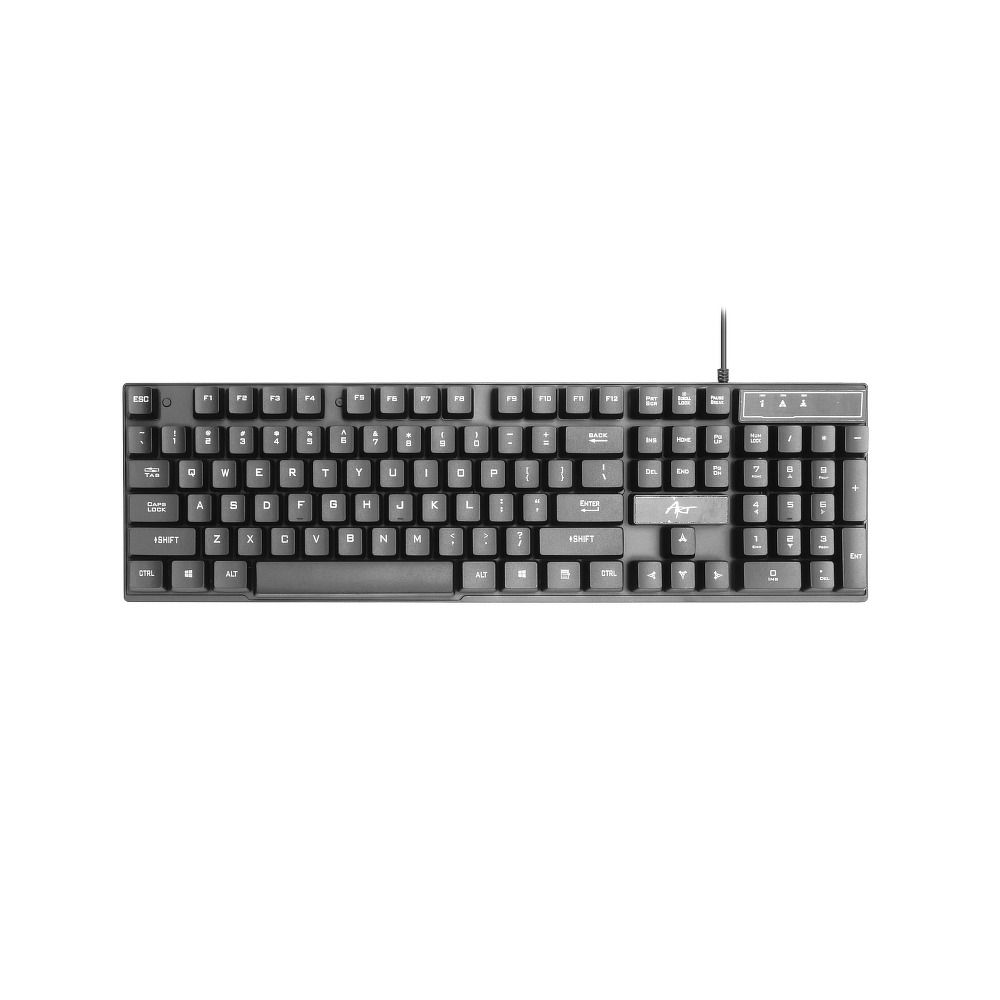
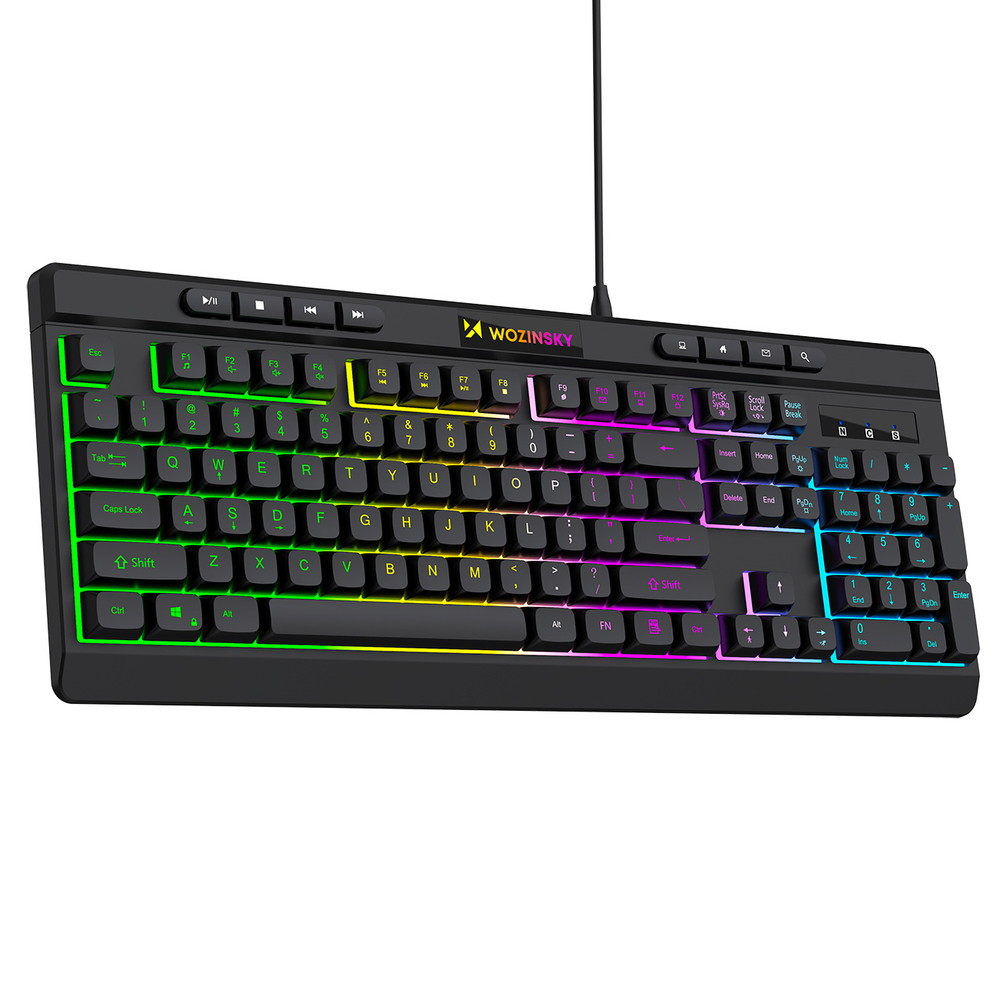
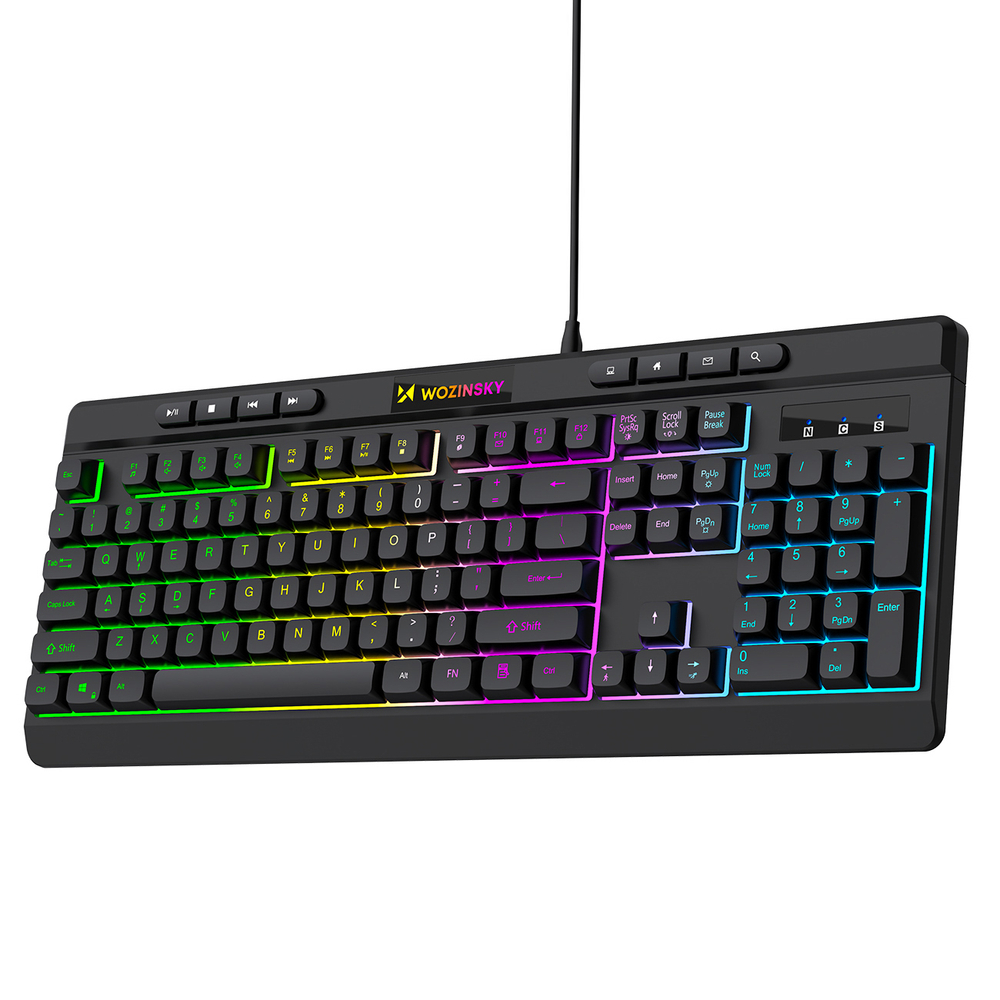
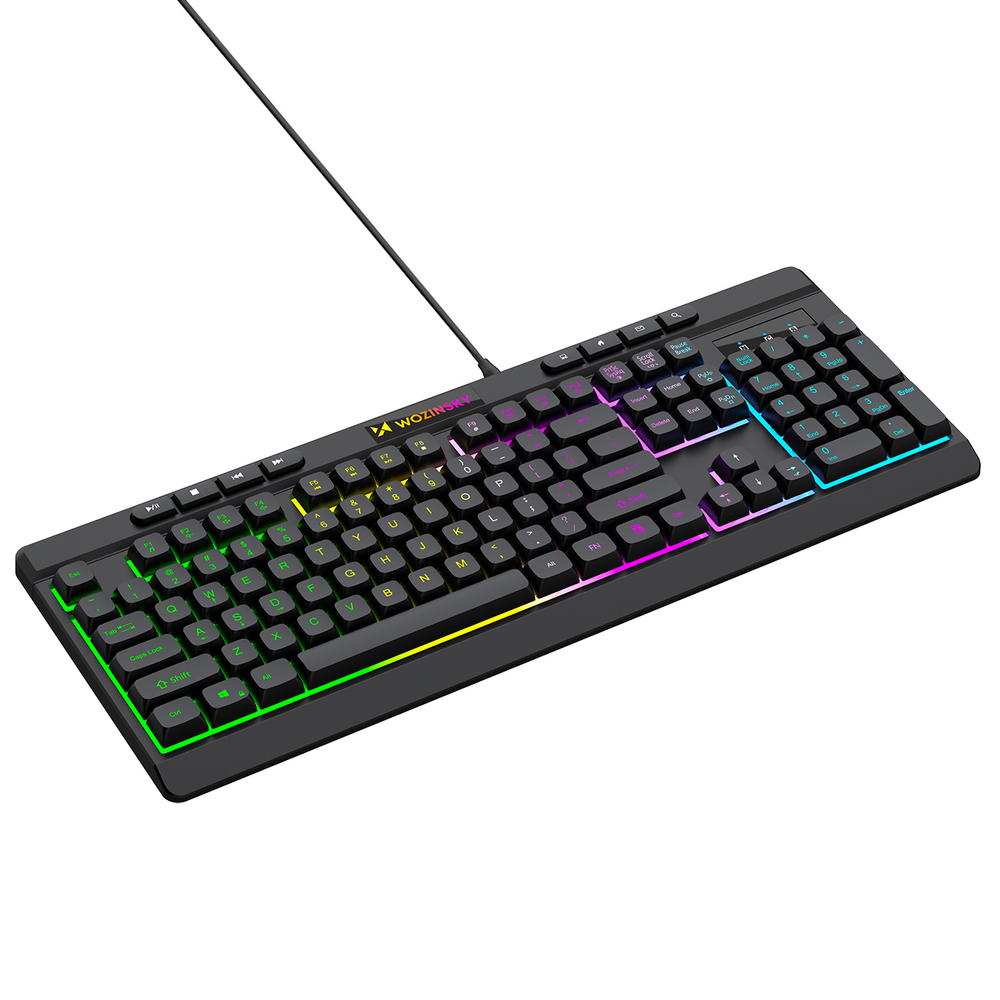
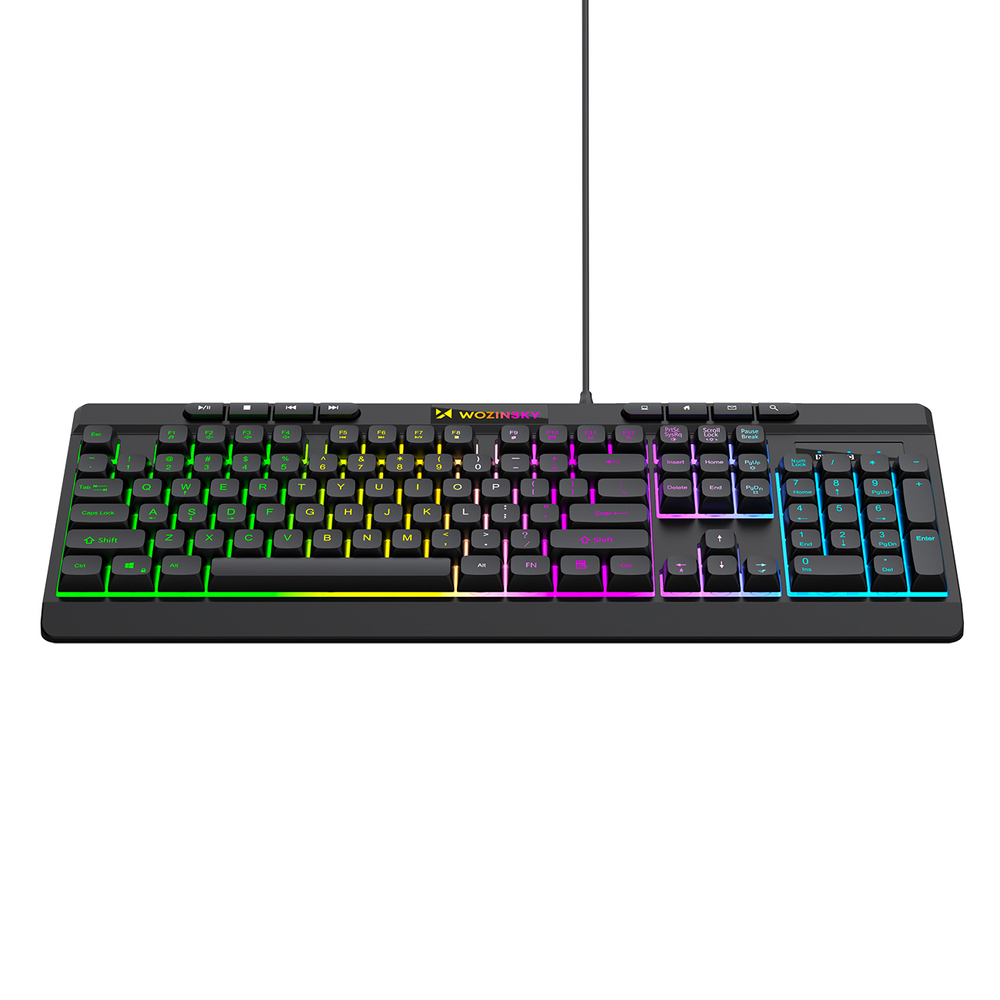
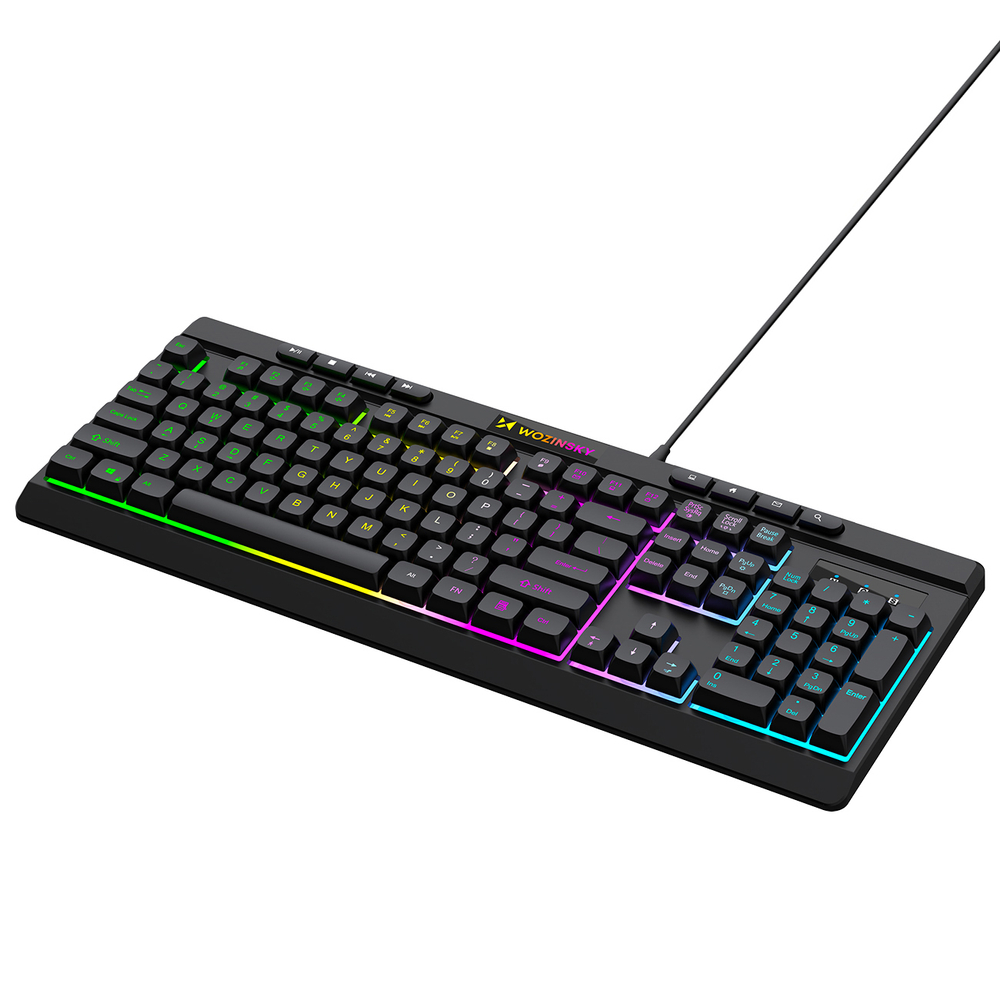
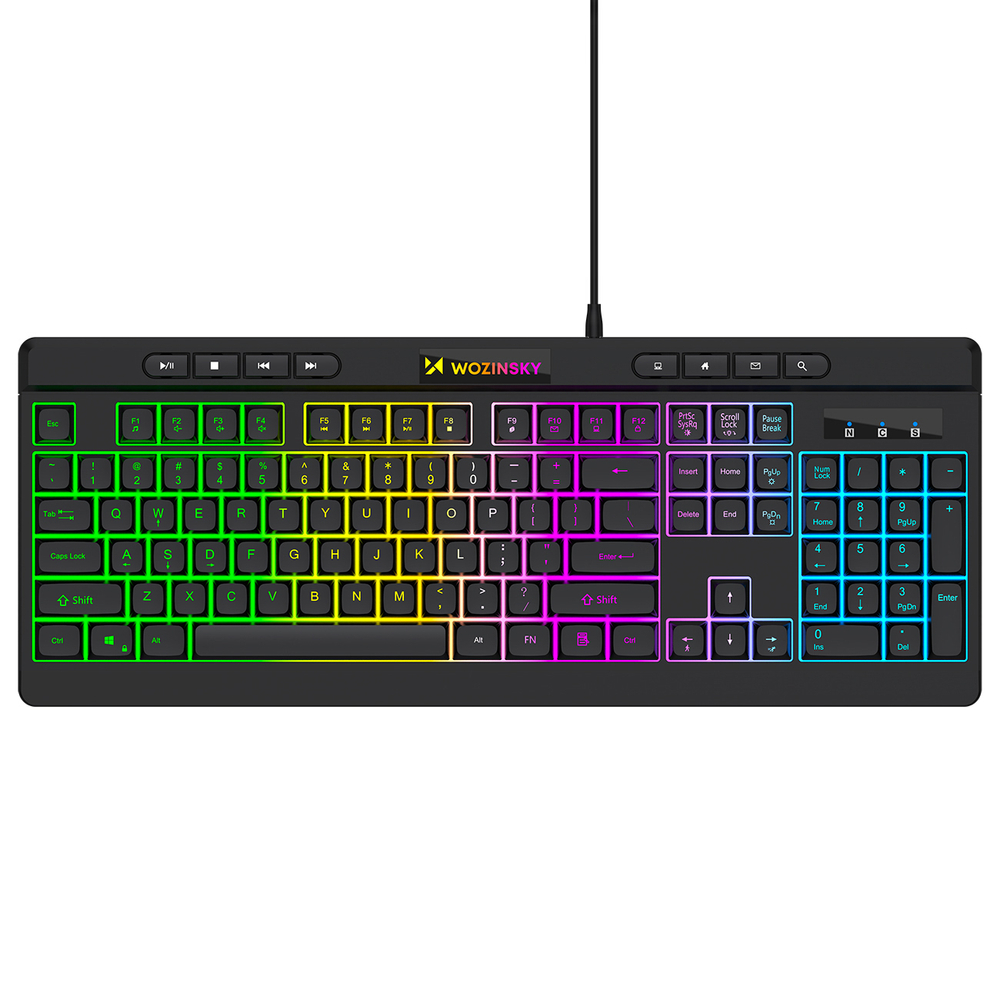
WozinskyWKG-1044 wired backlit membrane gaming keyboard – black
Product code: 221059
23,60 €
Price incl. 24% VAT
Low stock
- Delivery in 1–3 days or free click & collect
- 24-month warranty
Seller’s legal guarantee — 2 years
Under EU law the seller is liable for any lack of conformity of the goods that becomes apparent within 2 years of delivery. A manufacturer’s warranty or our own applies in addition and does not limit this right.
Warranty and complaints- Prices in our online store and in our shop may differ.
- Photos are for illustration only and may differ from the actual product.
Store availability
- Sunfixmobile Lasnamäe, Tallinn1 pcs
Specifications
General
- Backlit keys
- Yes
Connectivity
- Connection
- Wired USB-A
Design
- Colour
- Black
More details
- BC
- KW
- CN
- 84716060
- RDY
- corrector
- Colour
- Black
- Packaging
- Box
- Euro hanger
- No
- Switch type
- Membrane
- Cable length
- 1.5 m
- Translations
- English – name, English – long description, German – name, German – long description
- Connection type
- Wired
- Additional features
- Backlight
- Gross weight in grams
- 613.33
- Product packaging depth, cm
- 4
- Product packaging width, cm
- 20
- Product packaging height, cm
- 46
Description
Wozinsky WKG-1044 Wired Membrane Gaming Keyboard with RGB Backlight – Black
The Wozinsky WKG-1044 is a full-size gaming keyboard with a 104-key layout and eight additional multimedia buttons. The membrane mechanism ensures comfortable operation during gaming, typing and everyday computer work. Colourful backlighting enhances the gaming look, while 26-key anti-ghosting simplifies complex command combinations. A 1000 Hz report rate supports efficient communication with the device, while shortcuts with the FN key provide quick access to multimedia and system functions. A wired connection allows you to get started without charging the battery.
~
Specification:
Brand: Wozinsky
Model: Wozinsky WKG-1044
Keyboard type: wired, gaming
Key mechanism: membrane
Format: full-size
Layout: standard
Number of keys: 104 and 8 multimedia keys
Anti-ghosting: for 26 keys
Key durability: up to 10 million clicks
Reporting frequency: 1000 Hz
Backlight: multi-colour
Number of backlight modes: 1
Backlight off: FN + PrtSc SysRq
Cable length: 150 cm
Compatibility: Windows 7 and newer
Dimensions: 440 x 170 x 35 mm
Weight: 660 g
Colour: black
~
The most important advantages of the Wozinsky WKG-1044 keyboard:
Full-size layout: numeric keypad and standard key layout make it easier to play, type and work.
Multiple command support: 26-key anti-ghosting supports simultaneous execution of complex combinations.
Fast communication: 1000 Hz reporting rate allows for efficient transmission of commands to the computer.
Convenient multimedia control: additional buttons and FN shortcuts provide quick access to the most frequently used functions.
Gaming backlight: multi-coloured light highlights the keys and emphasises the character of the workstation.
~
Full-size layout increases ease of use
The keyboard features 104 keys, a numeric keypad and a separate navigation section. The standard layout makes it easy to quickly find the functions you need when gaming, working with documents or using your computer every day.
Anti-ghosting supports complex key combinations
Anti-ghosting covers 26 selected keys commonly used in games. It allows you to register multiple commands simultaneously, helping you maintain control during intense gameplay.
1000 Hz frequency improves command transmission
The keyboard transmits information to the computer at a reporting rate of 1000 Hz. This solution supports rapid response to keystrokes both when gaming and when running programs.
Function shortcuts speed up everyday operation
Combinations with the FN key allow you to control volume and playback, launch email, open the home page and the computer window, and lock the keyboard. Eight additional multimedia buttons provide access to selected commands without interrupting your work.
Multi-coloured backlighting emphasises the gaming look
Coloured backlighting separates the individual keyboard sections and adds a distinctive character to the workstation. If necessary, it can be turned off using the FN + PrtSc SysRq key combination.
Similar products
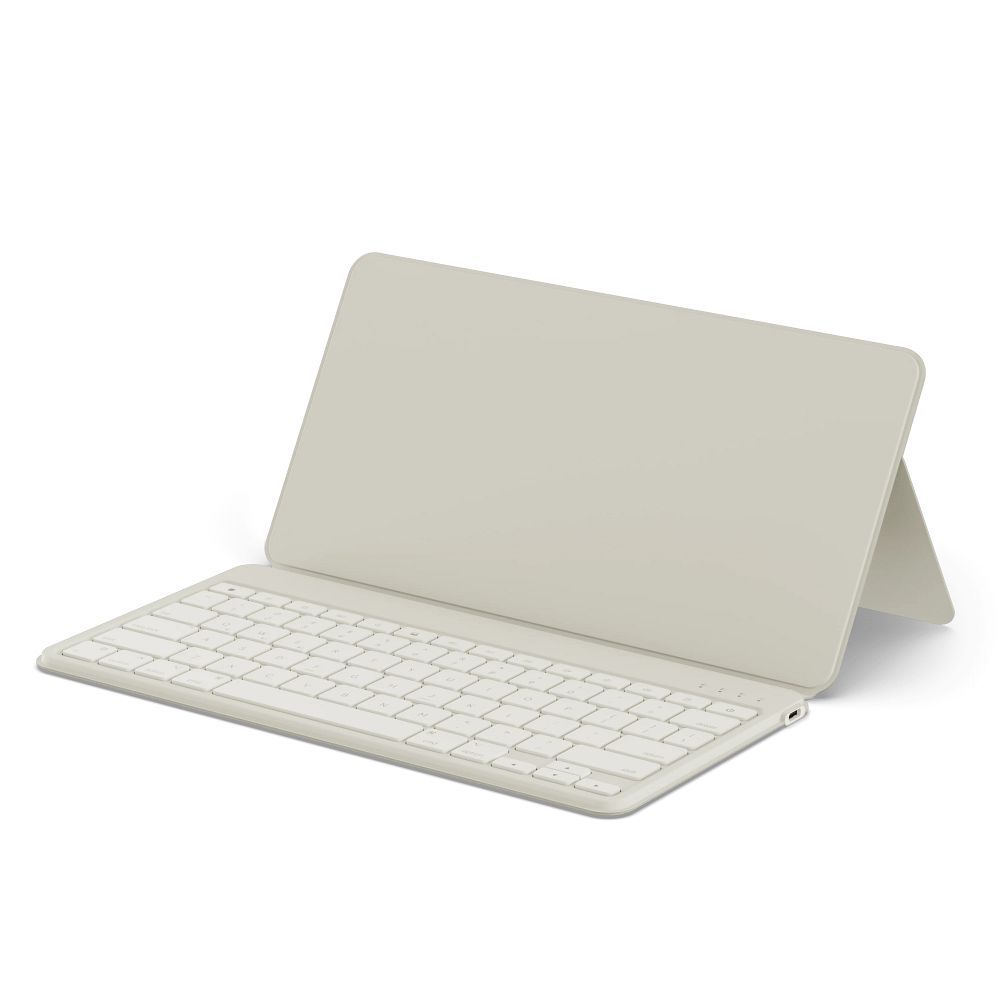
Satechi
Wireless QWERTY keyboard with smartphone/tablet stand Satechi Onthego sand colour
On order · 6–9 days77,20 €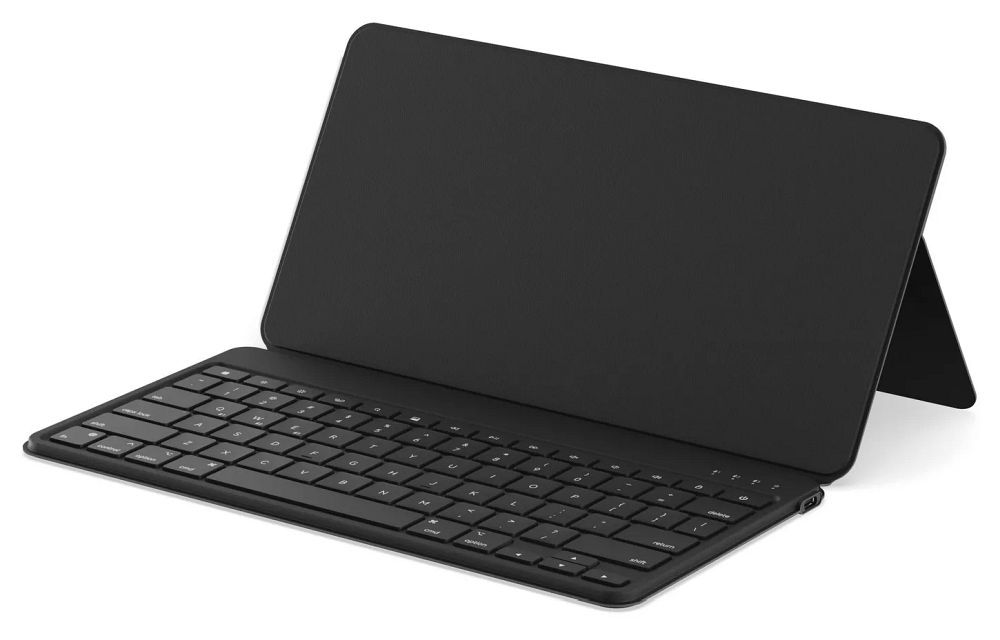
Satechi
Wireless keyboard with smartphone/tablet stand QWERTY Satechi OntheGo black
On order · 6–9 days77,20 €