
Orico
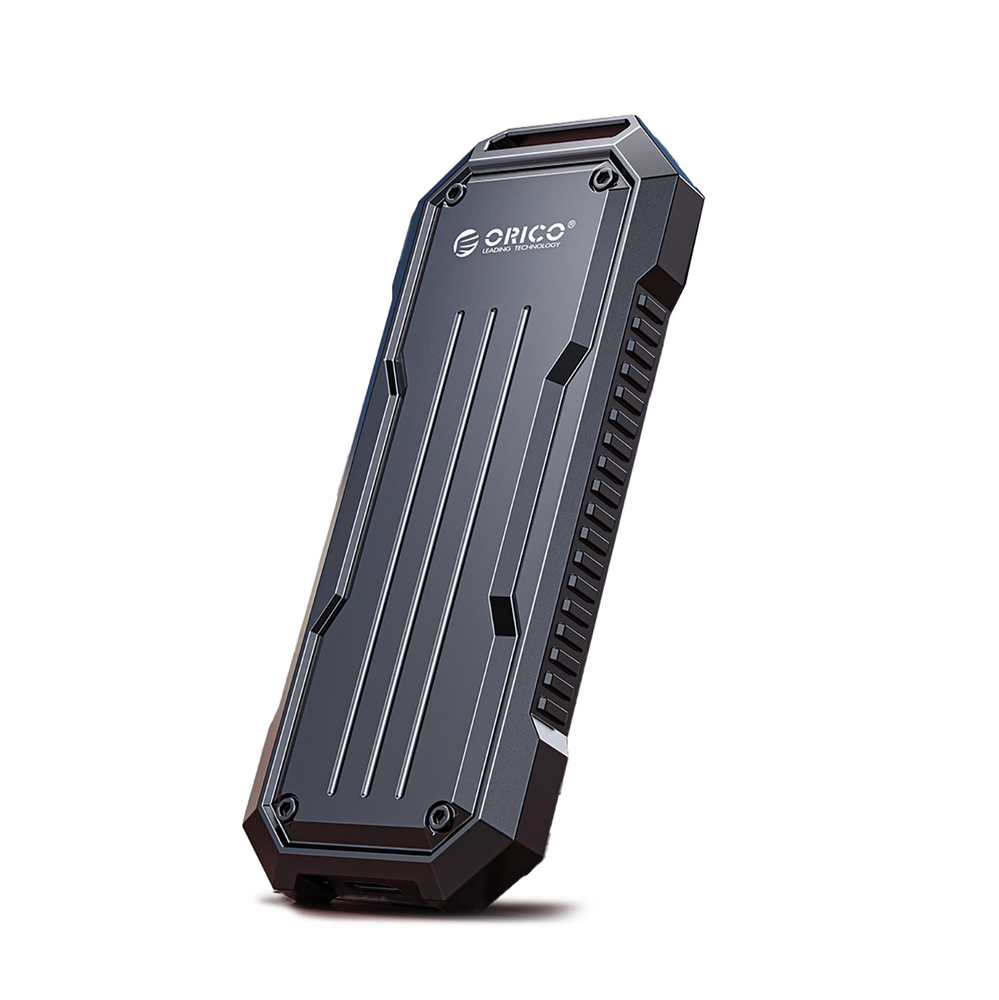
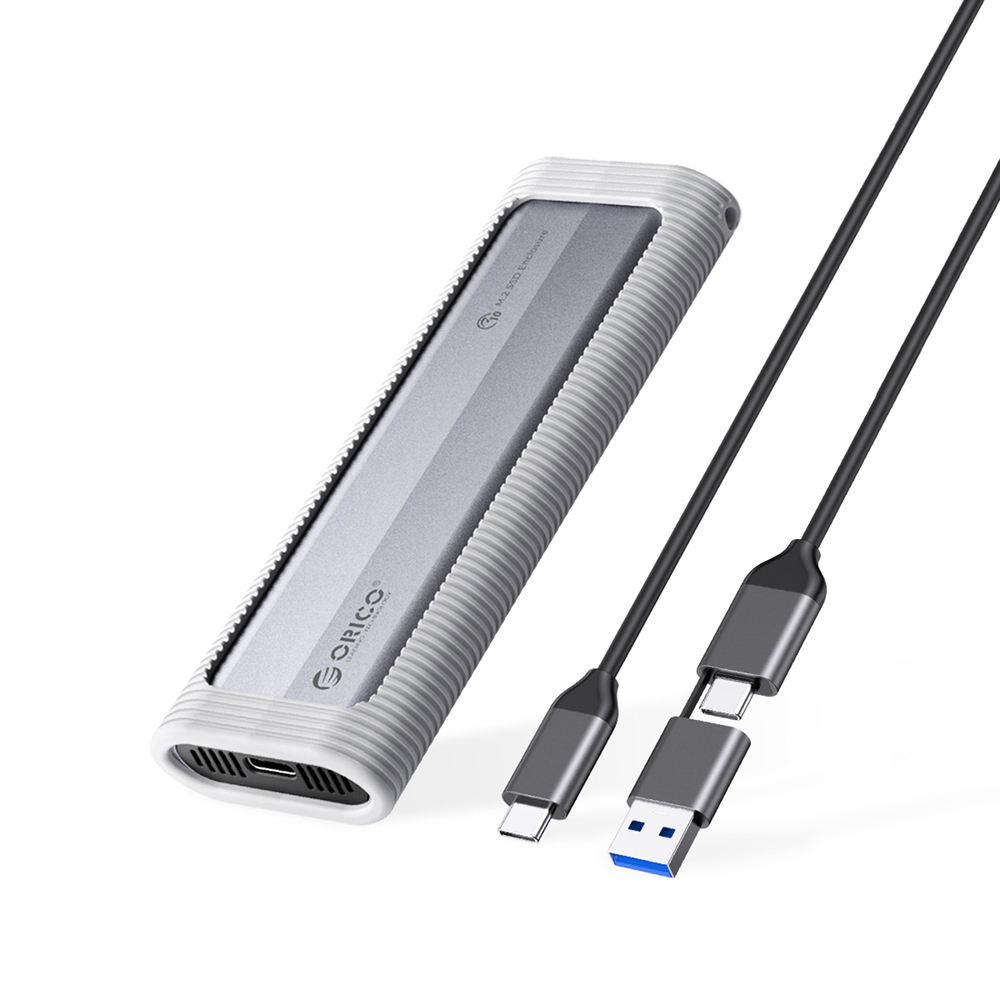
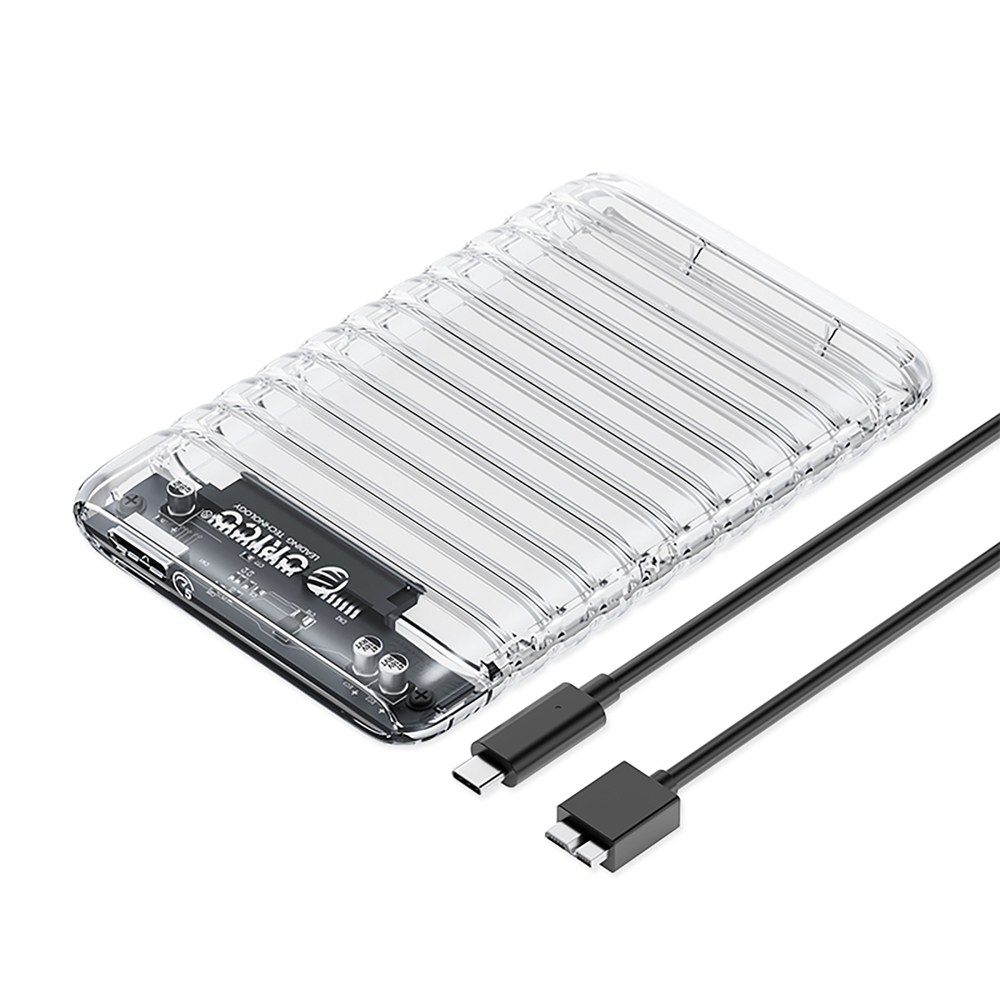
OXS2C3-G2 M.2 NVMe/SATA SSD USB-C 3.2 tugevdatud kettakorpus - hall
Tellimisel · 7–10 päeva
38,90 €
Tootekood: 956550
Hind sisaldab käibemaksu 24%
Toome tellimisel 7–10 päevaga
Seda toodet praegu meie laos ei ole — tellime selle tarnijalt kohe pärast tellimuse vormistamist. Kui kaup saabub, anname tellimuse üle või saadame selle nagu tavaliselt.
Müüja seadusjärgne vastutus — 2 aastat
ELi õiguse järgi vastutab müüja kauba lepingutingimustele mittevastavuse eest, mis ilmneb 2 aasta jooksul kauba üleandmisest. Tootja või meie garantii kehtib sellele lisaks ega piira seda õigust.
Garantii ja pretensioonidOrico MiniDock 10-in-1 Docking Station with SSD Hard Drive Bay - Silver
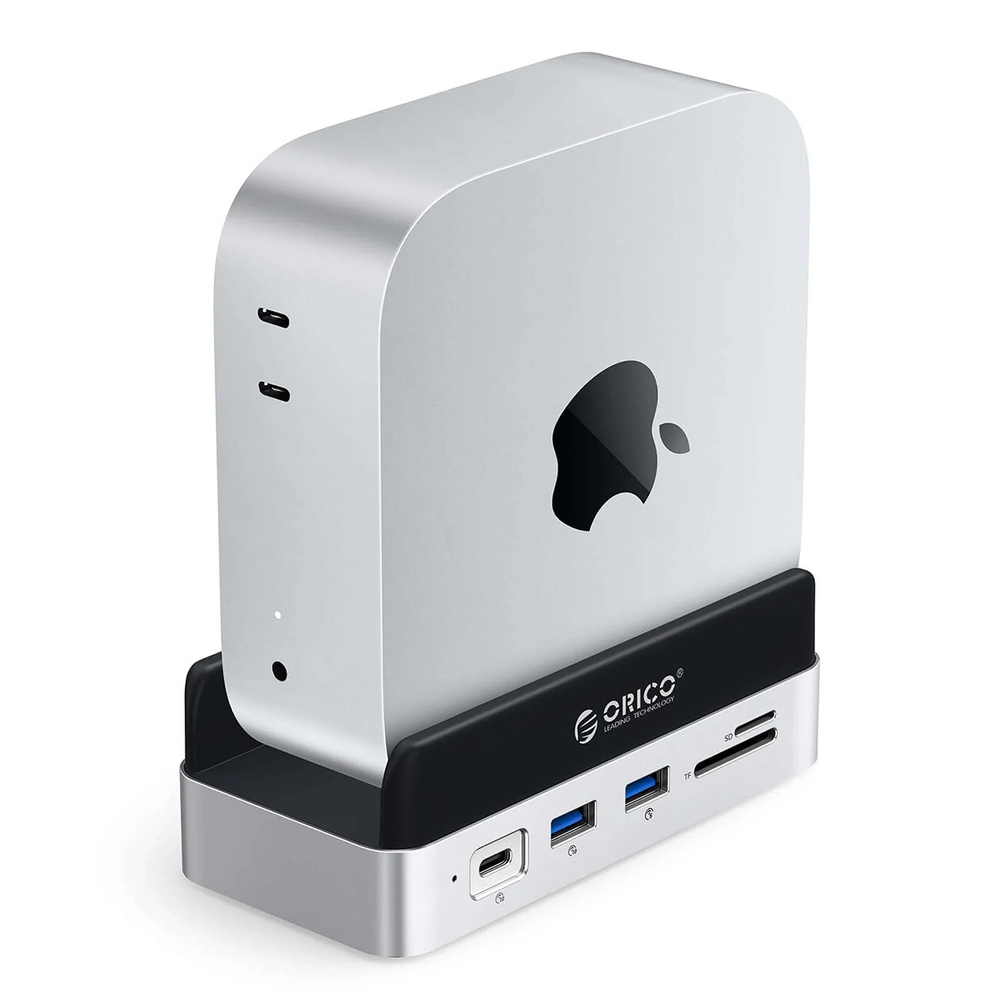
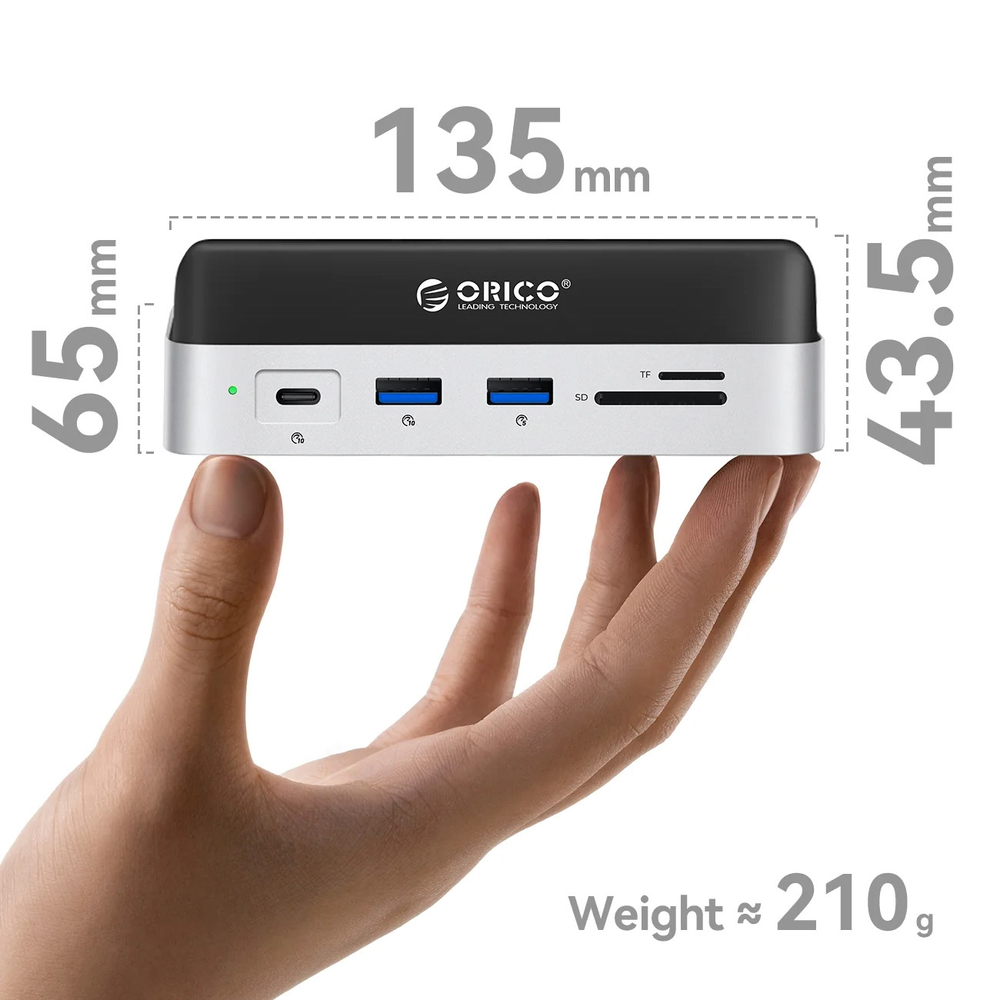
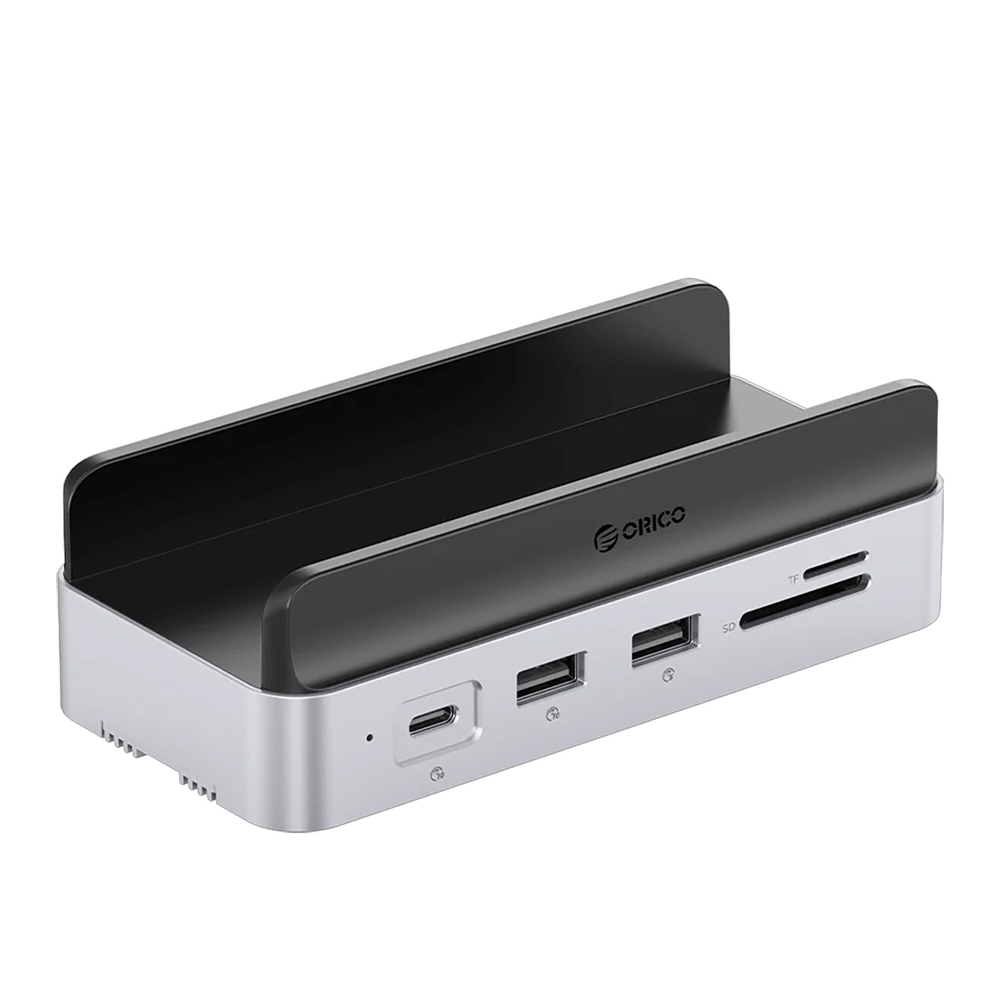
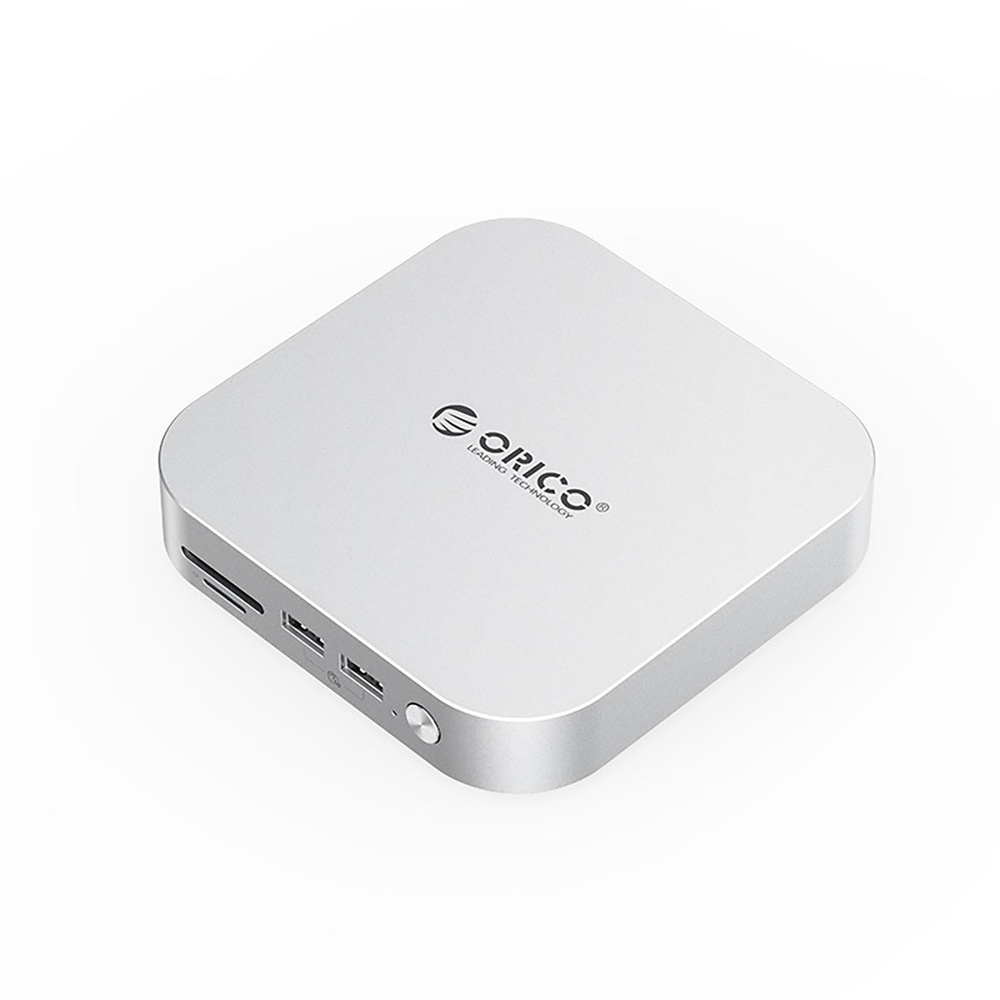
The Orico MiniDock 10-in-1 is a compact docking station for the 2024 Mac mini that organizes your workstation and expands your computer's capabilities with a set of useful ports and an M.2 drive bay. The vertical design saves desk space, while quick connectors allow you to conveniently connect accessories, a monitor, network, and memory cards. It's a practical solution for work, study, and everyday use when you want everything at your fingertips without the hassle of tangled cables.
~
Specification:
Brand: Orico
Model: Orico MiniDock
Compatibility: Mac mini 2024
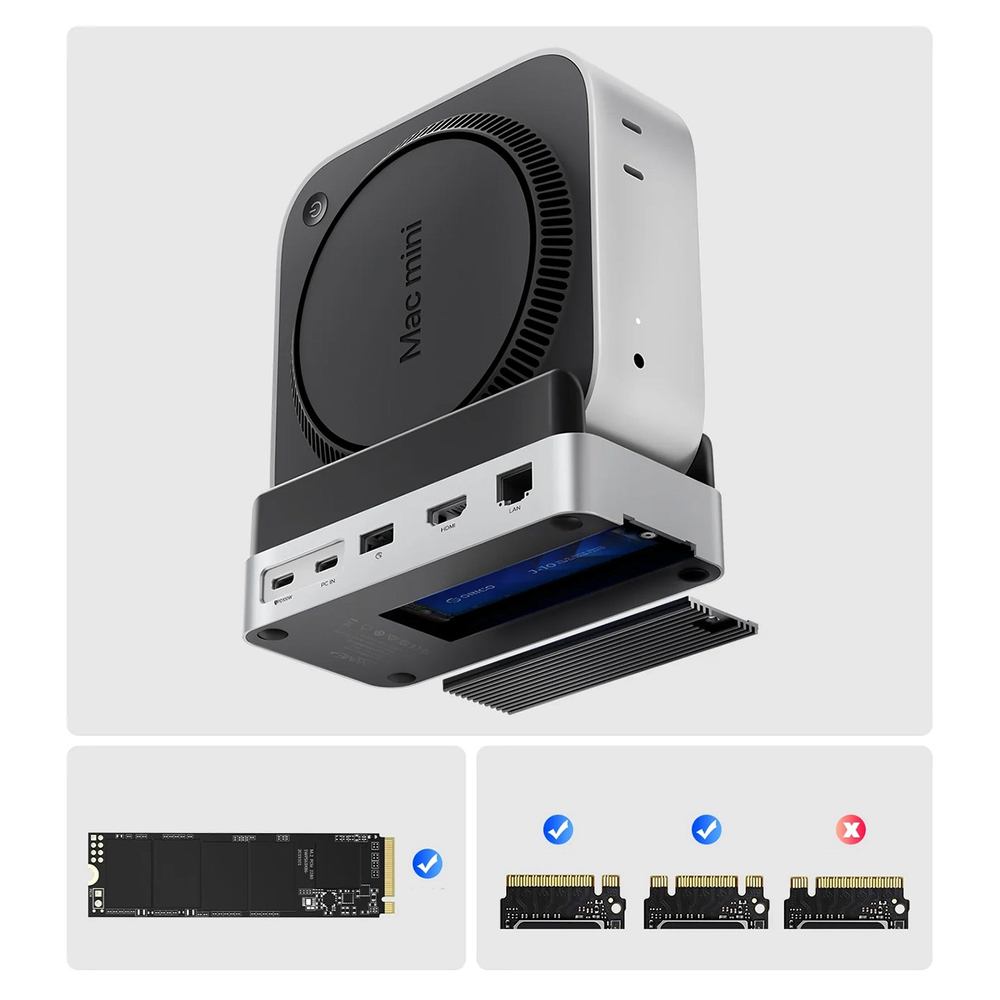
Disk type: M.2 (NGFF and NVMe)
Maximum disk capacity: up to 8TB
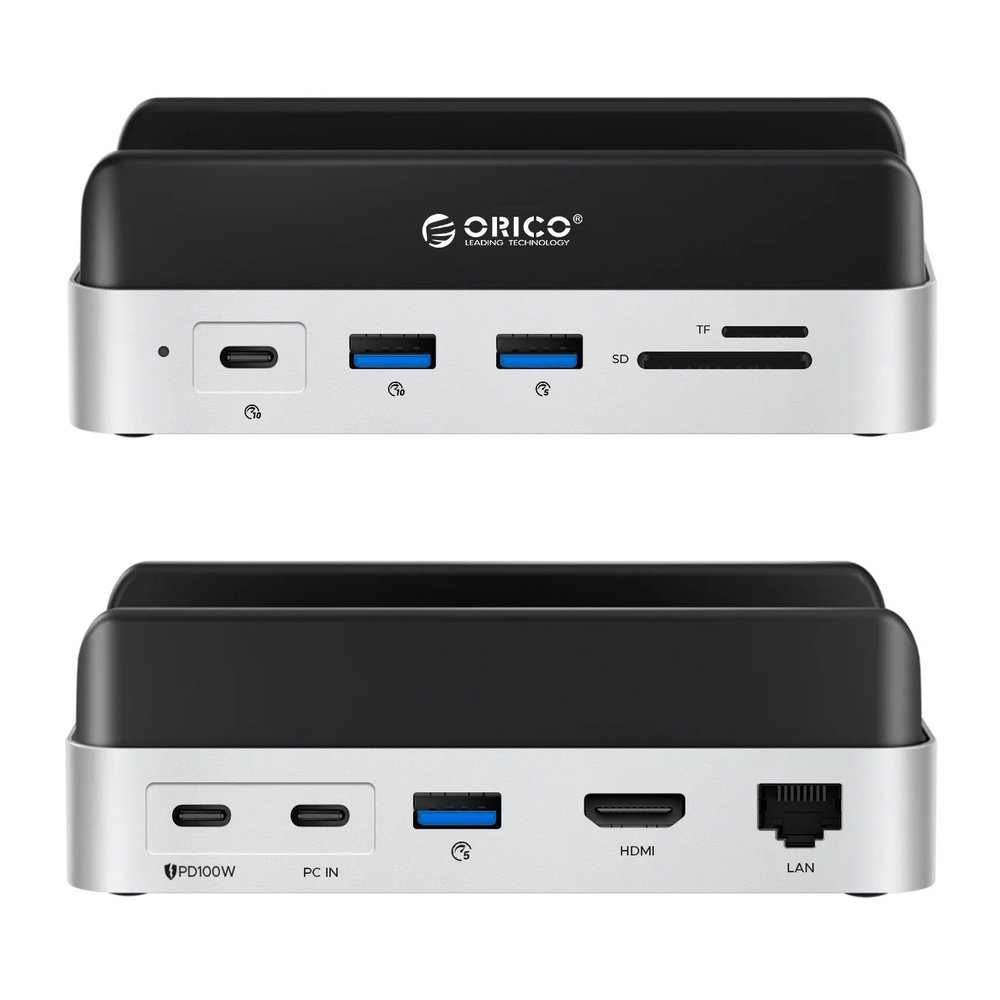
Interfaces: USB-C: 10 Gbps
USB-A: 10 Gbps
USB-A x2: 5 Gbps
HDMI: 4K@60Hz
RJ45: 1000 Mbps
SD/TF: simultaneous reading (approx. 80-100 MB/s)
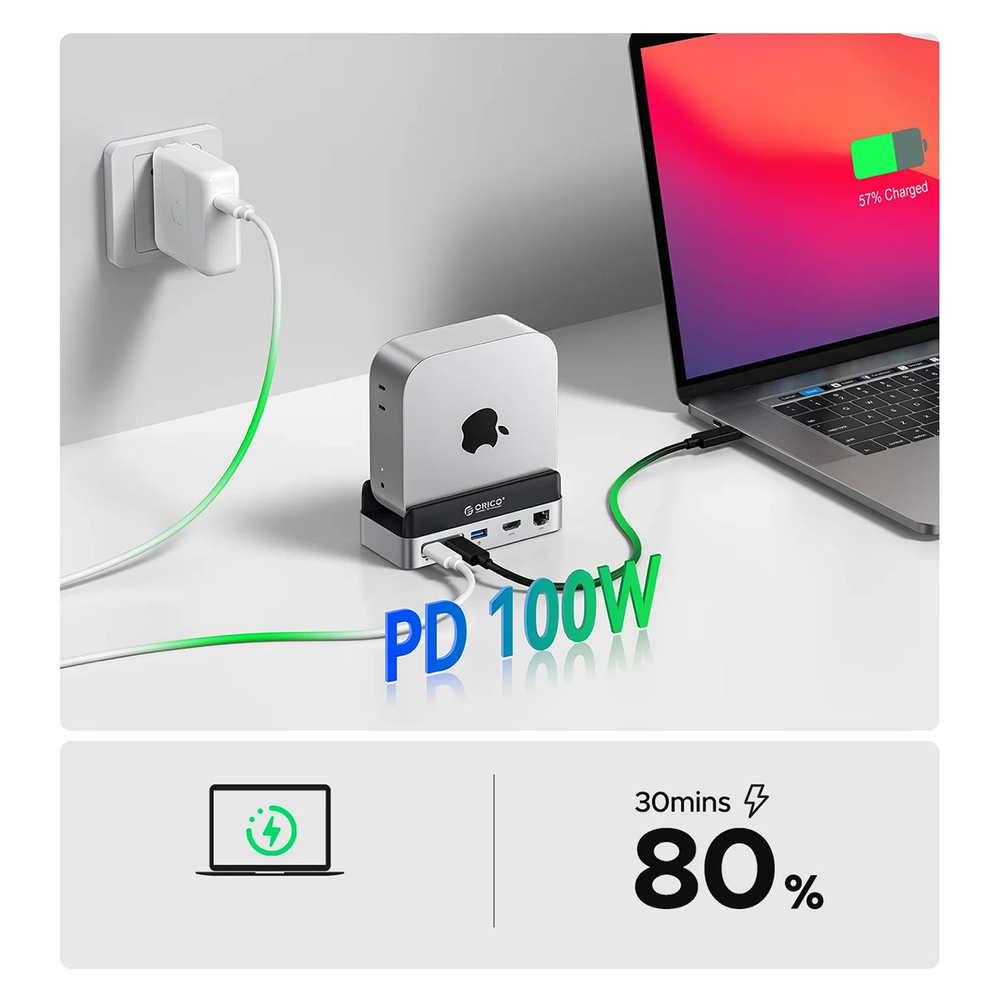
USB-C PD: up to 100W (power pass-through)
USB-C PC IN: 10 Gbps
Material: aluminum alloy, silicone, plastic
Dimensions: 135 x 65 x 43.5 mm
Cable included: USB-C - USB-C 10 Gbps, 0.3 m
Supported systems: Windows, Linux, macOS, Android
Package contents: docking station
USB-C - USB-C cable
user manual
mounting screws (for the version with M.2 slot)
thermal pad (for version with M.2 slot)
packaging
Color: silver
~
The most important advantages of the Orico MiniDock station:
10 ports in one place: easily connect your monitor, network, accessories and memory cards without constantly reconnecting.
M.2 drive bay up to 8TB: Expand your memory with fast data storage in a convenient, desktop format.
HDMI 4K@60 Hz and LAN 1000 Mbps: stable image on an external screen and wired internet without any hassle.
SD and TF readers with simultaneous reading: efficient copying of materials from cards, even when working with two media.
Space-saving vertical design: Mac mini stands steady and keeps your desk clutter-free.
~
10 ports for everyday work
You get a set of connectors in one device - USB-C, USB-A, HDMI, RJ45 and card readers, making it easier to keep your workstation tidy.
Memory expansion with an M.2 drive up to 8TB
The built-in M.2 drive (NGFF and NVMe) allows you to add your own drive and conveniently keep large files within reach.
4K image and wired network
The 4K@60 Hz HDMI port makes it easy to work on an external monitor, and the 1000 Mbps RJ45 ensures a stable network connection.
SD and TF with simultaneous access
You can use two memory cards simultaneously, which speeds up file transfer when working with photos and videos.
Vertical layout and order on the desk
Standing your Mac mini upright saves space and improves cable management – everything looks neater and is easier to use.
Orico
Orico
Orico